Test cheap, finish strong
Try the idea on Wan 2.2 or Hailuo 2.3, then remake the keeper on Kling, Seedance, or Veo 3.1 once it works.
15 video and image models on one credit balance: Seedance, Kling, Veo, Nano Banana, and more. Describe the shot, pick the model, and download what comes back.
100 free credits · No card required
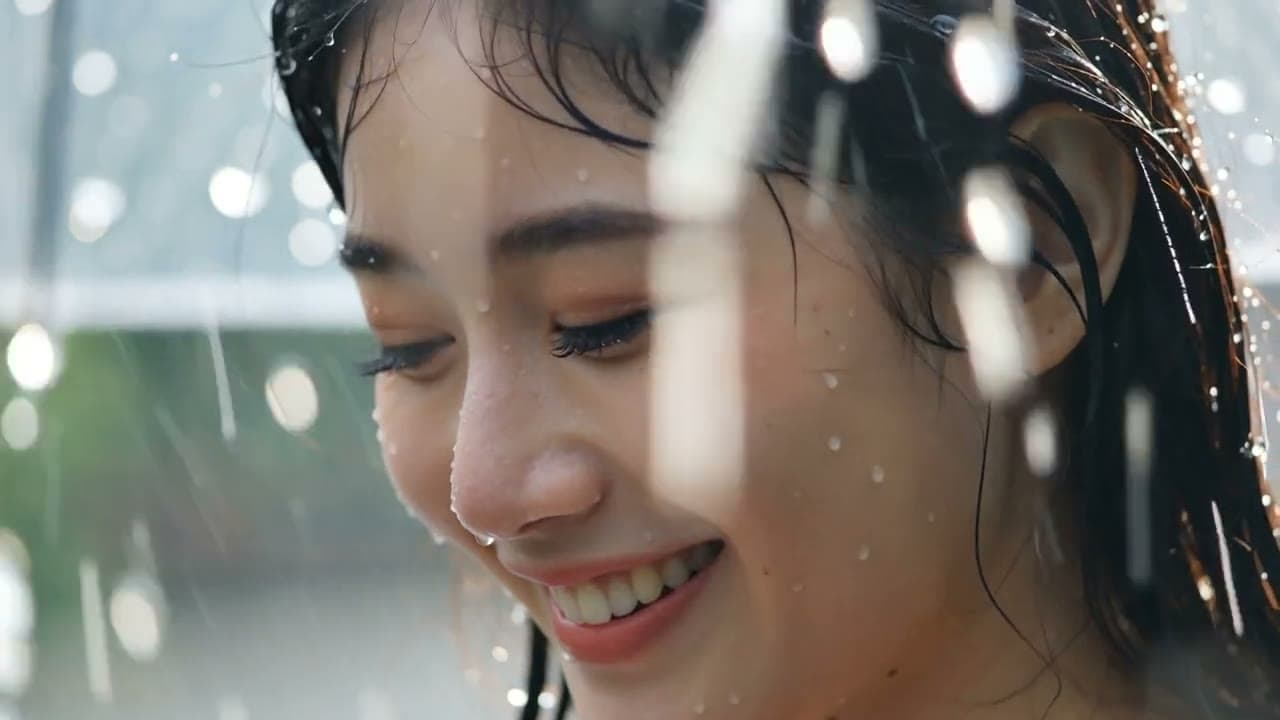 Duration 0:03Wan 2.2
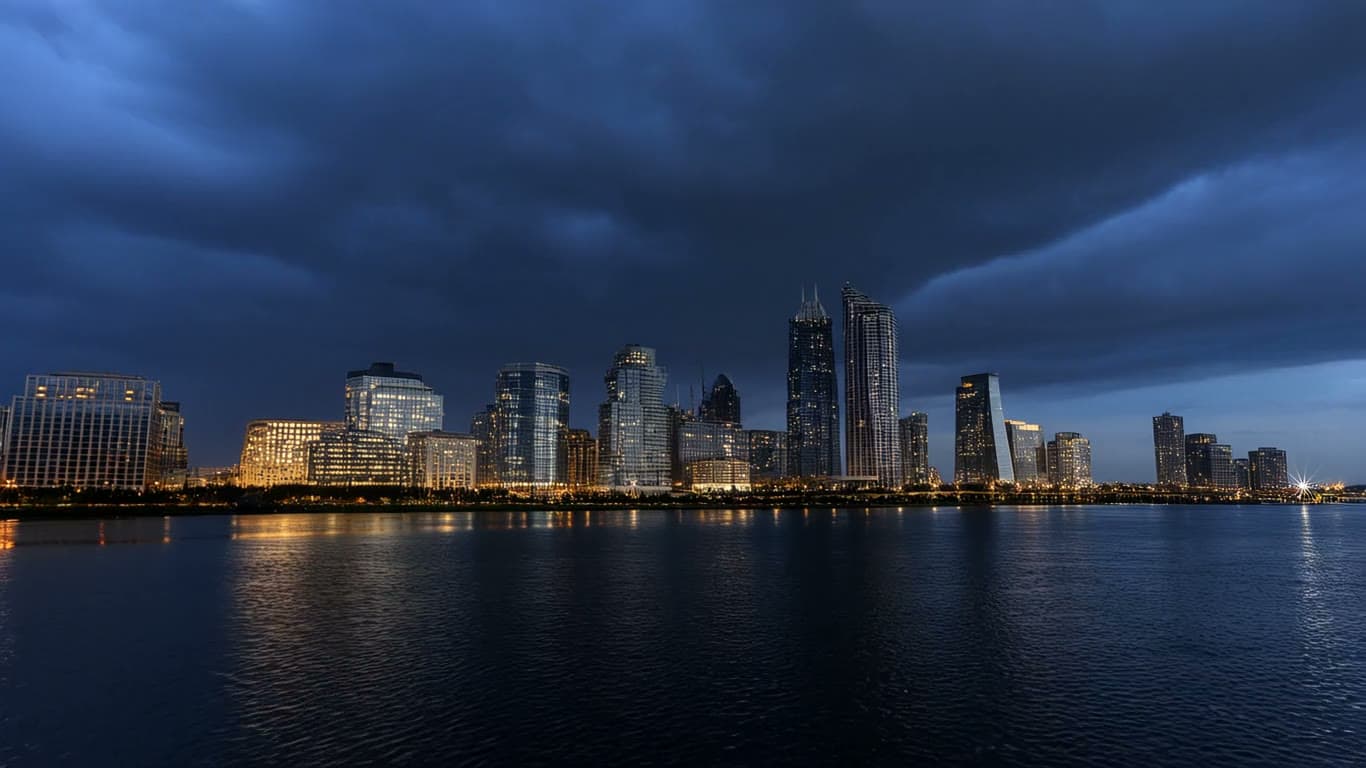 Duration 0:06Hailuo 2.3
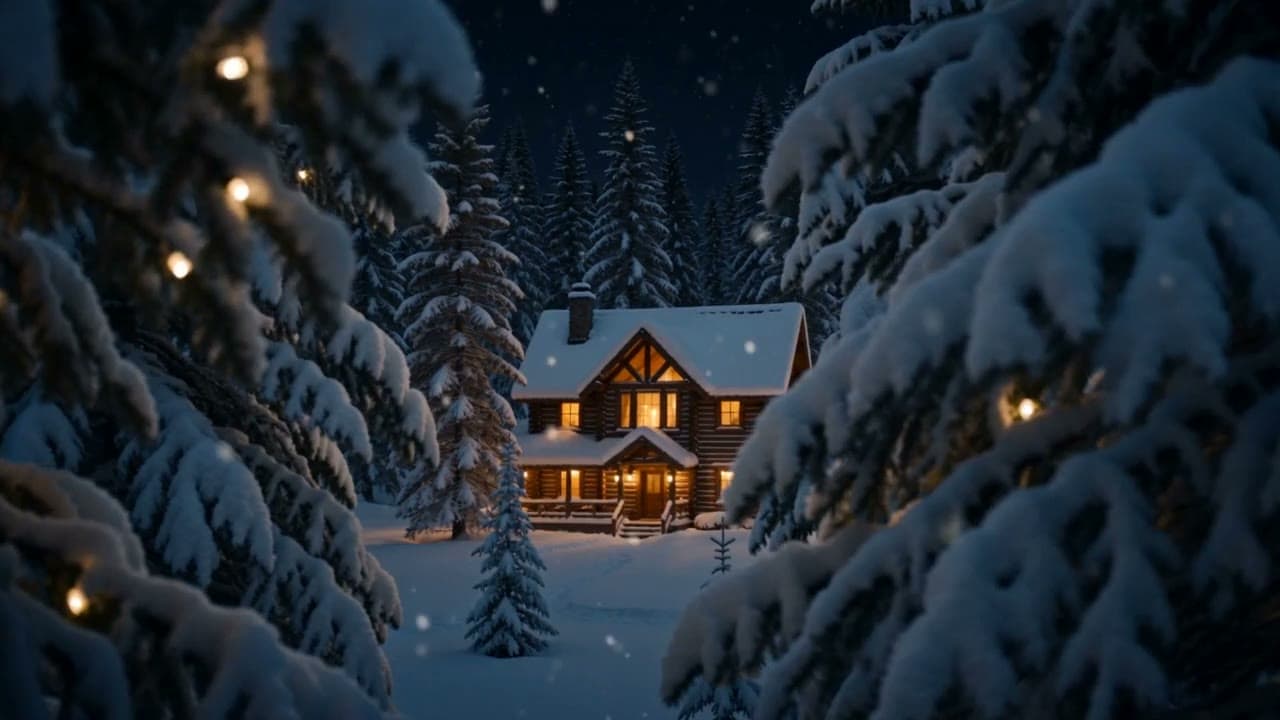 Duration 0:07Seedance 2.0
New video
Example prompt: A neon koi pond at night, cinematic, slow orbit around the water
Model
Aspect
Duration
Free account · 100 credits · No card required
All on one credit balance
Pick one and the prompt comes ready to fill in: change the [bracketed] parts, or anything else.
Product ad
A 5-second vertical spot of a product you describe, in motion.
Trend dance
A 5-second vertical clip of a dancer hitting a move.
Character skit
A 4-second character moment, with sound.
Anime scene
An anime-style still of your scene.
Product unboxing
A 5-second close-up of an unboxing, from above.
Travel shot
A sweeping 5-second shot of a place you love.
Music visual
A 6-second landscape mood clip to set under your track.
Logo idea
A logo idea with your brand name lettered in.
Sketch the idea on Wan 2.2 or Hailuo 2.3, then finish it on Kling, Seedance, or Veo. Open any model to see its work and start making.
Kuaishou
Takes up to 15 seconds, any aspect
Alibaba
First takes of an idea, in 5 or 10 seconds
MiniMax
6 or 10 second clips at 768p
ByteDance
Video with sound from one prompt
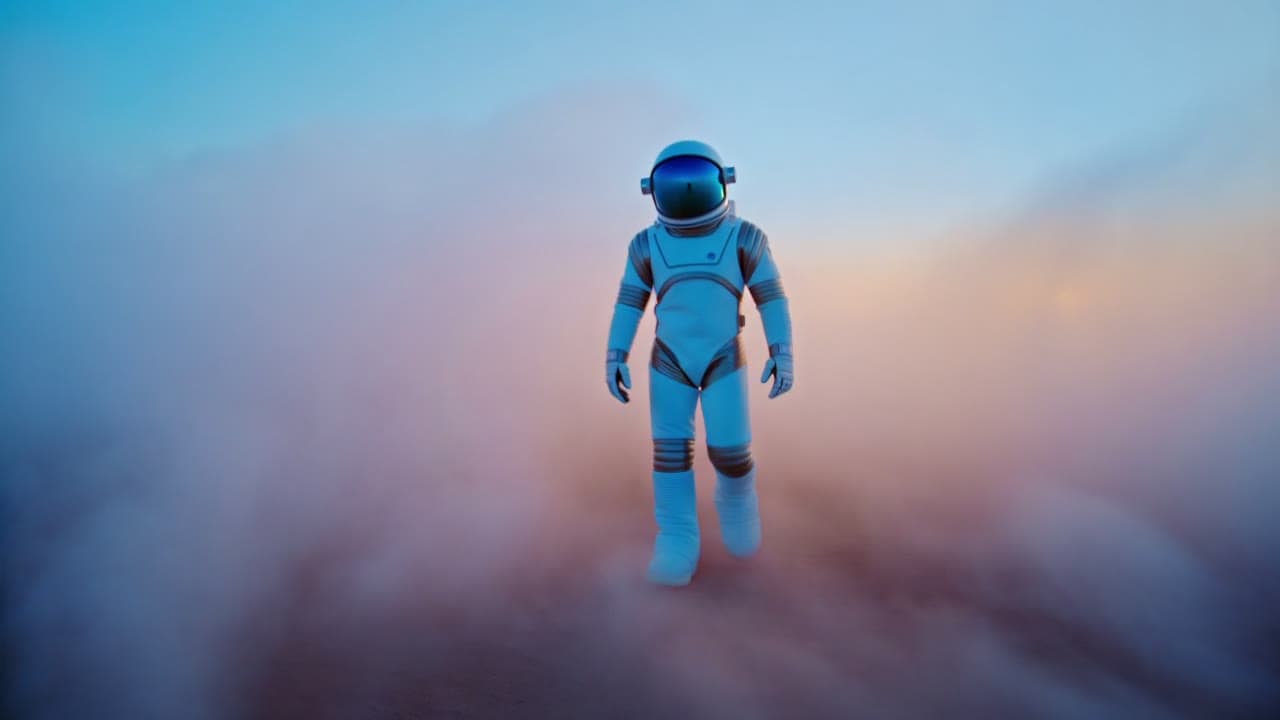
Shengshu
Product-ready clips with audio
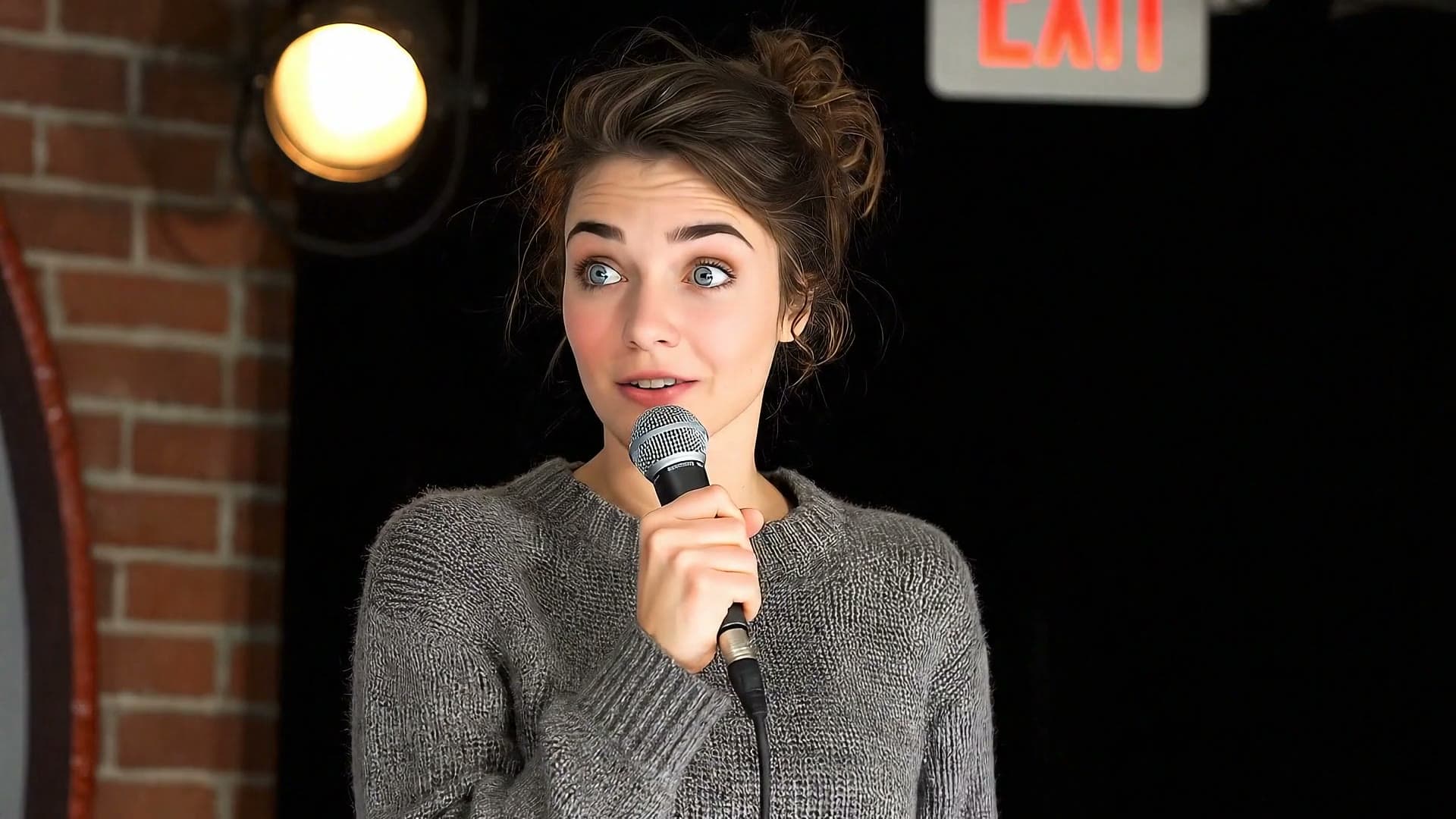
Lite, Fast or Standard, in 4 to 8 second shots
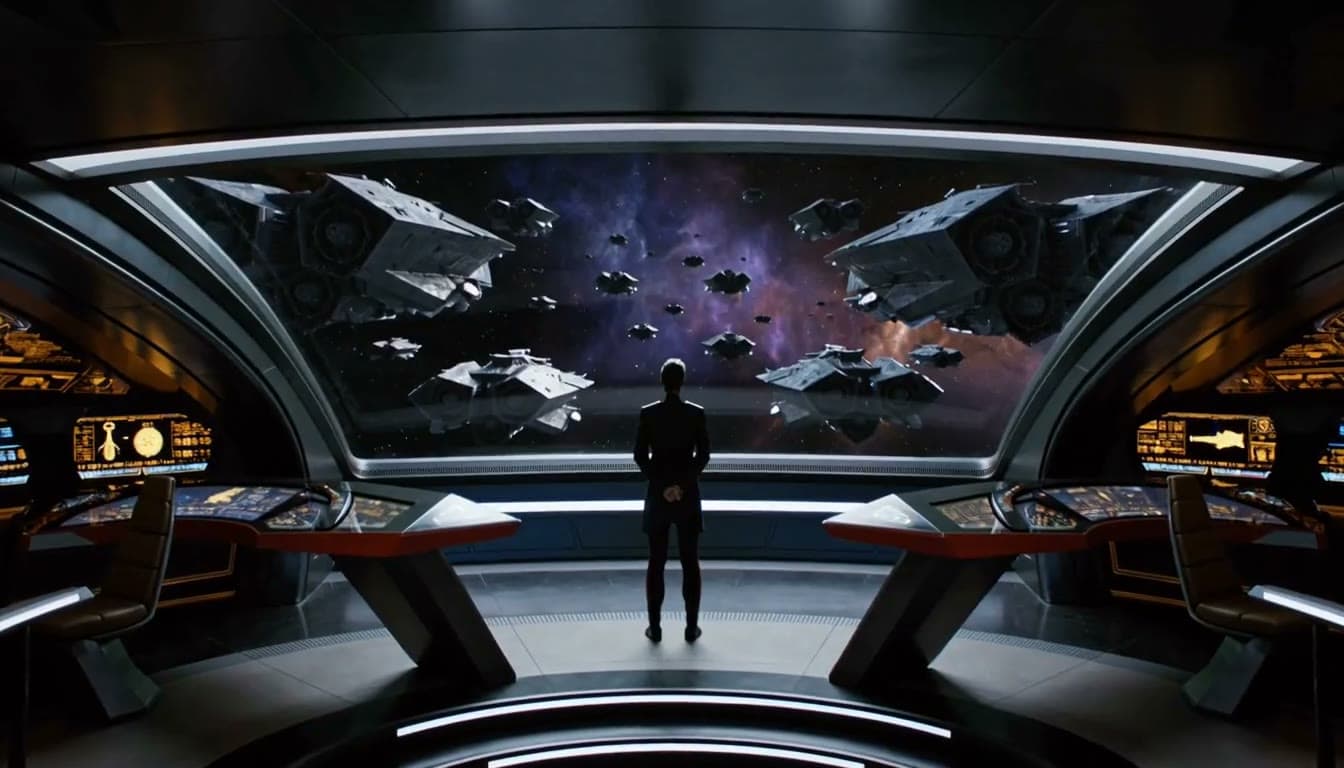
MiniMax
5 to 15 second clips with sound at 768P
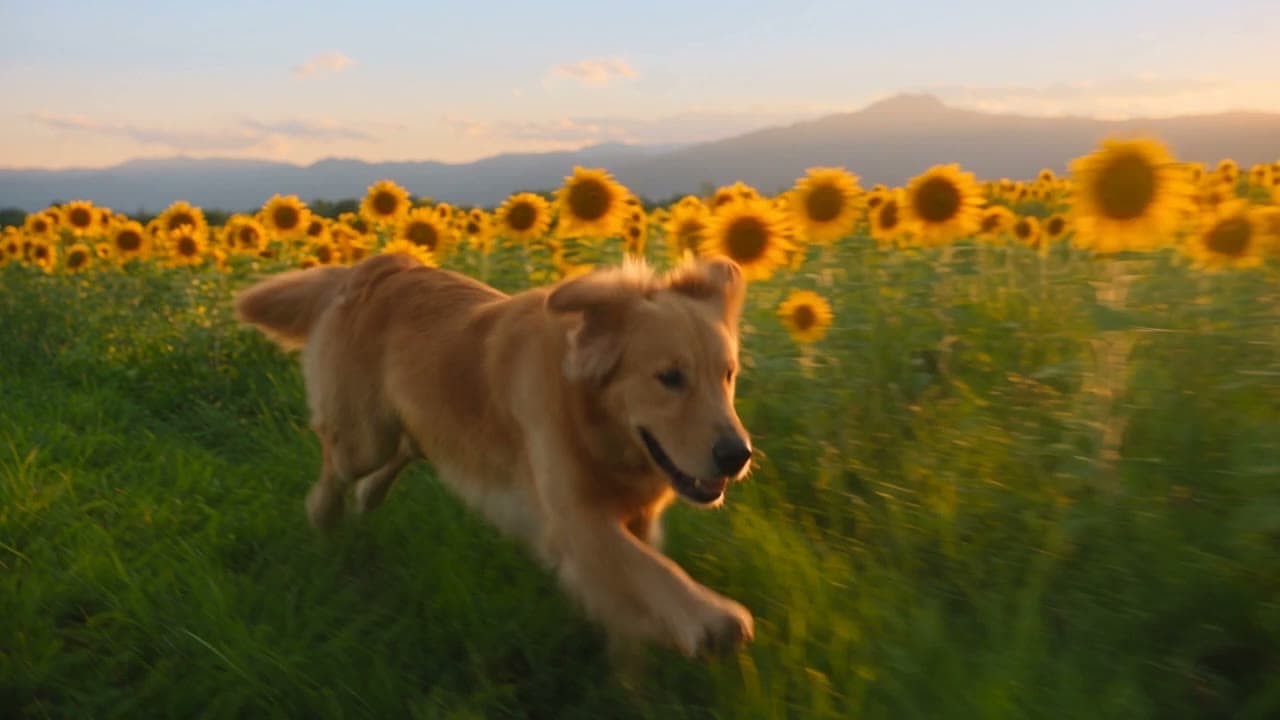
ByteDance
480p video with sound, up to 15 seconds
Posters with real lettering, product shots, portraits, and art, all on the same balance as your video. Open any model to see what it makes.
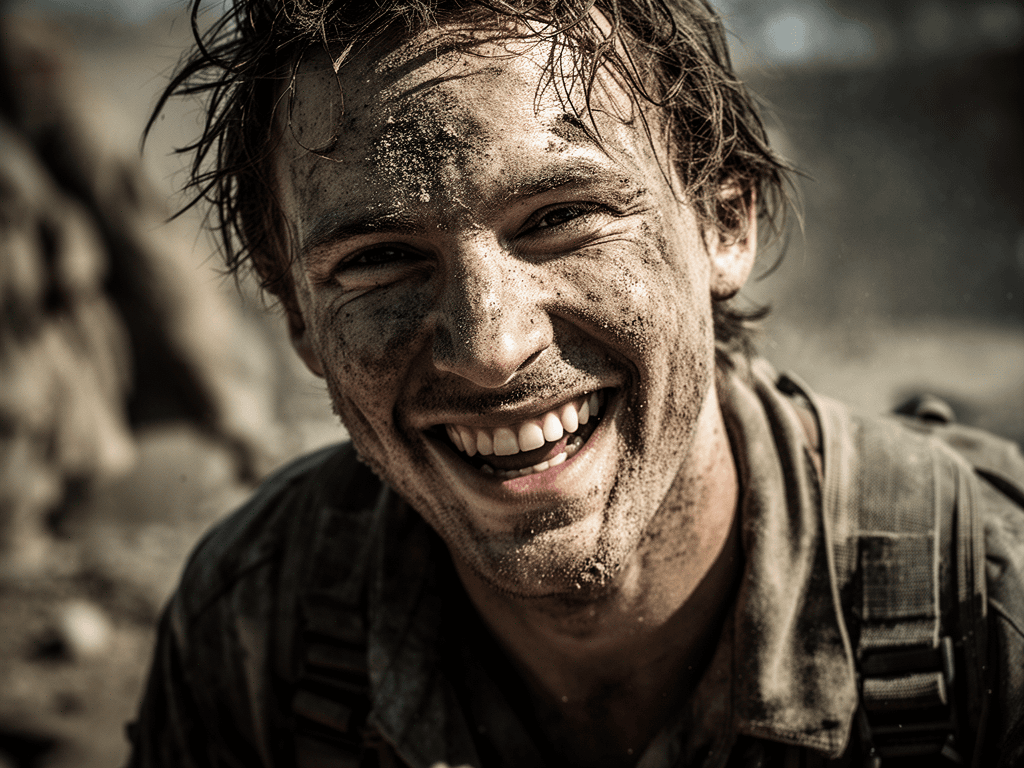
Black Forest Labs
Explore a look, up to 4 images a run
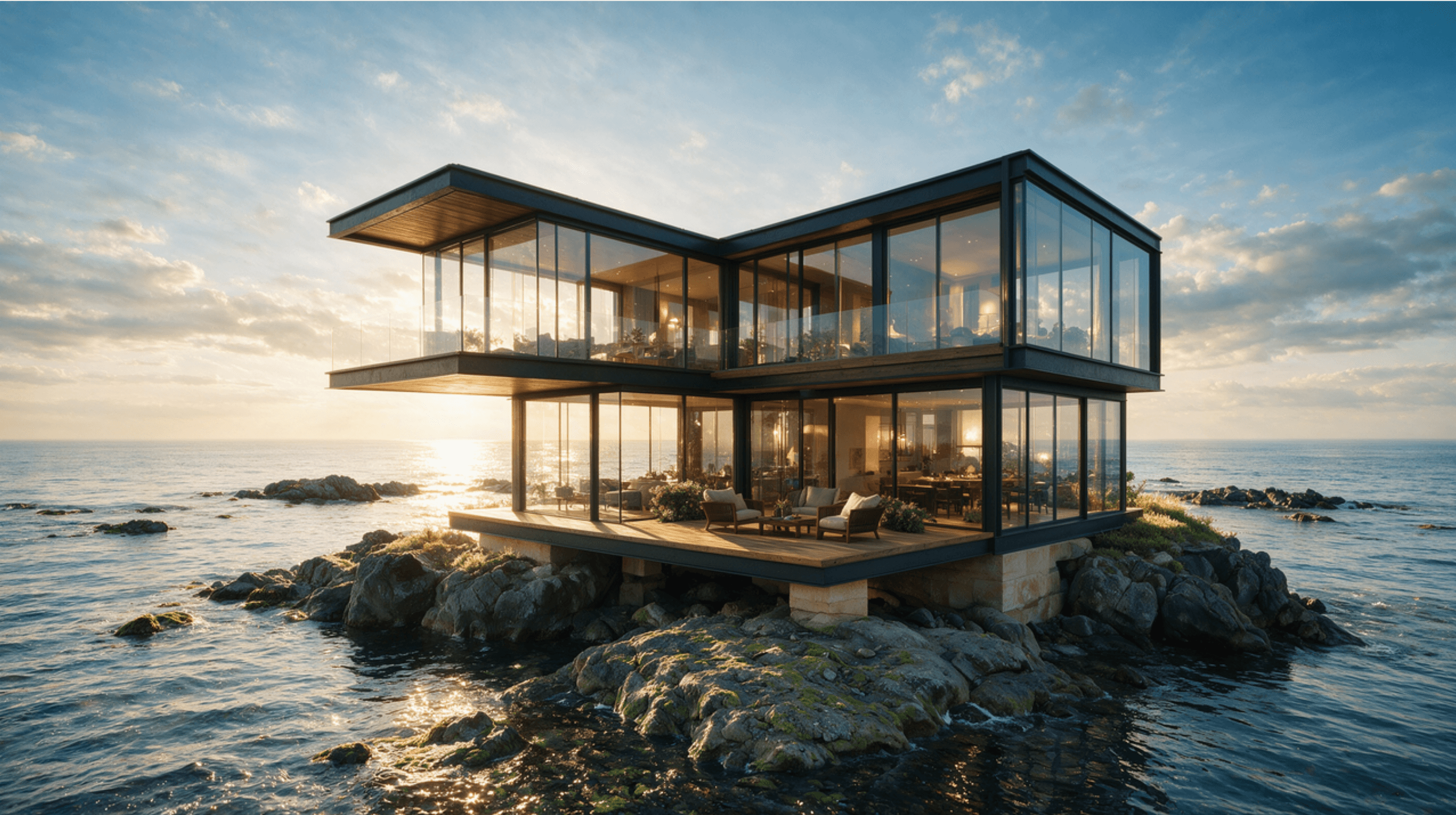
ByteDance
2K-class images in seven aspect ratios
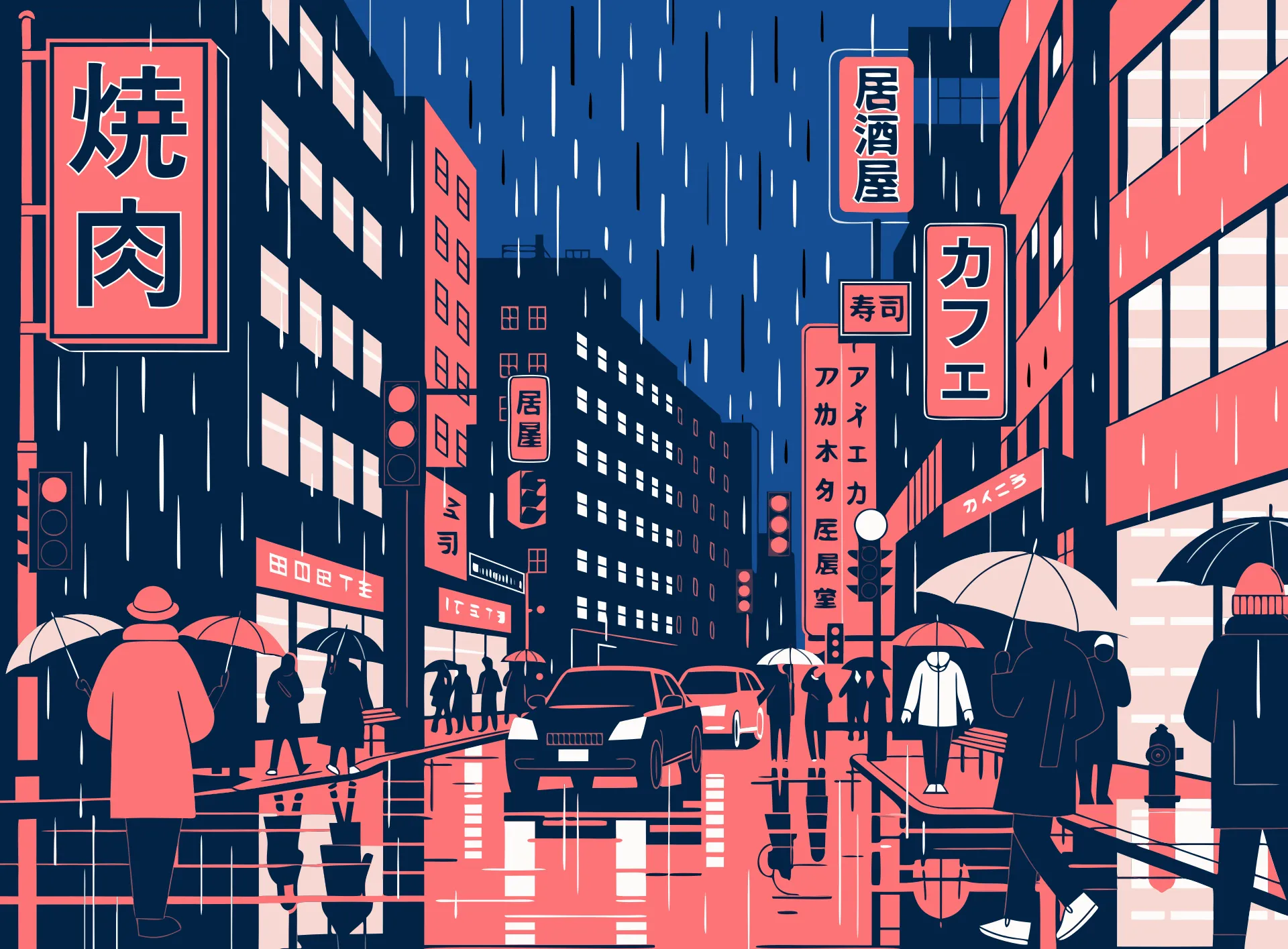
Recraft
Design-led images for brand work
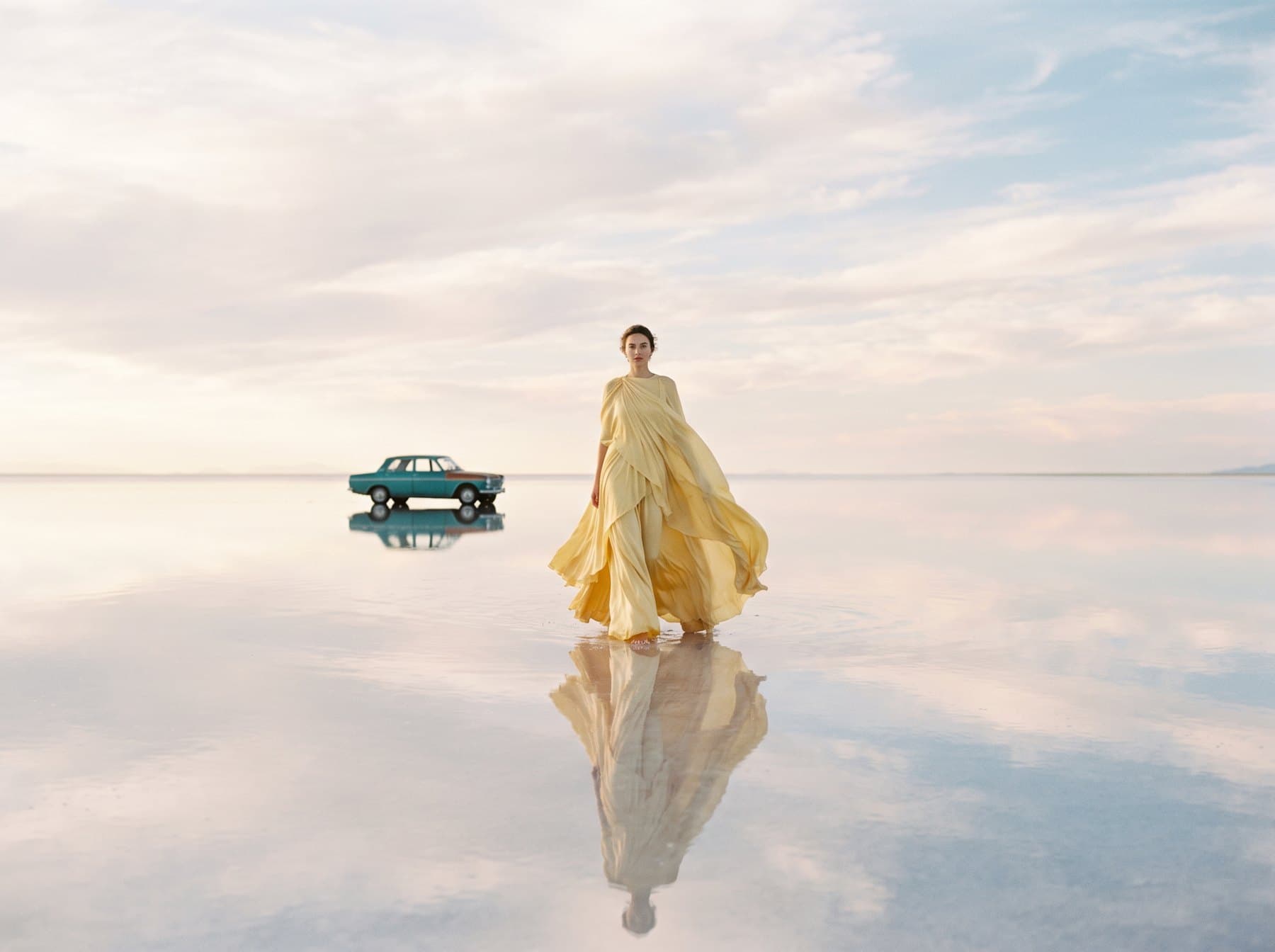
1K images in seven aspect ratios
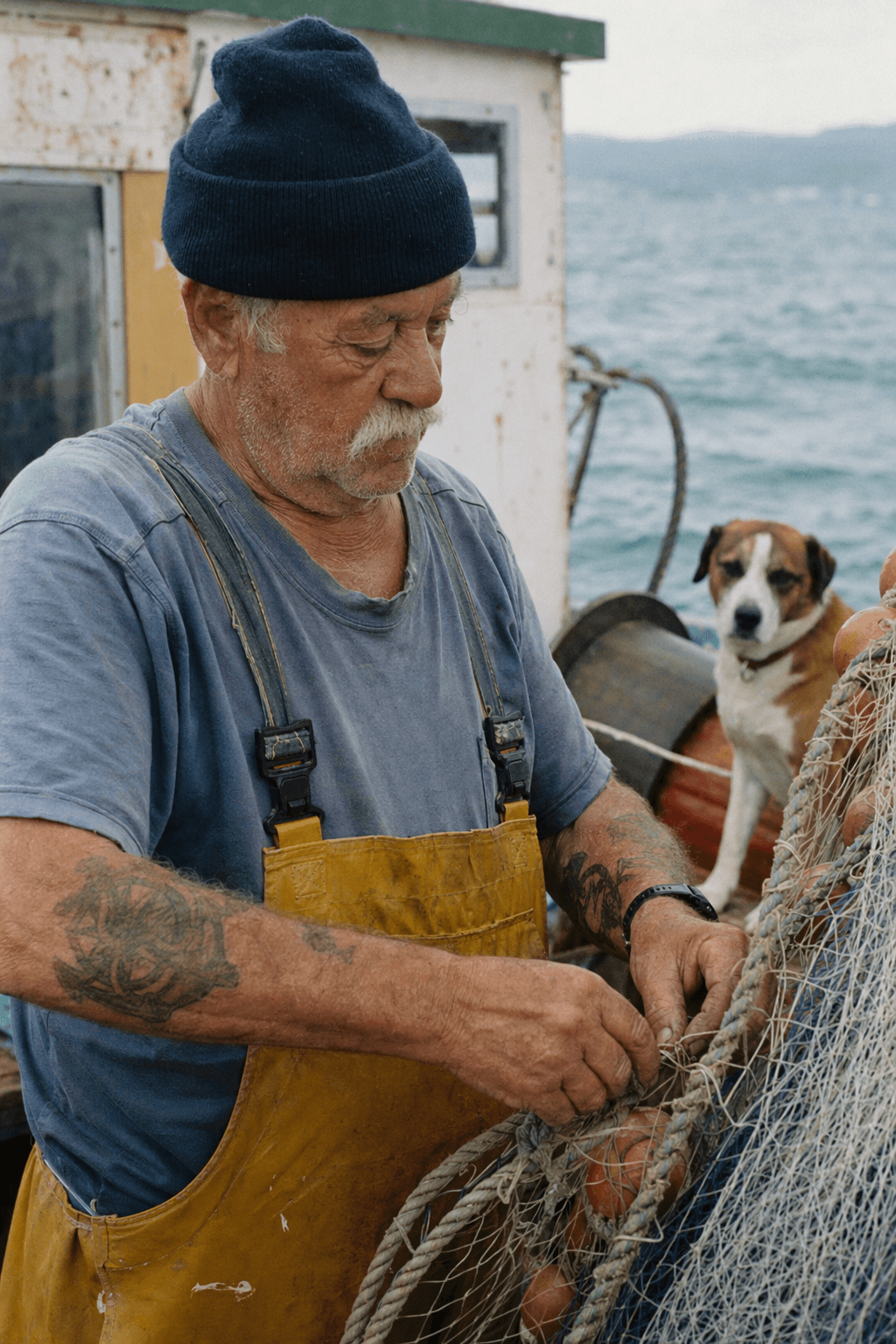
OpenAI
Images with text in them, up to 4 a run
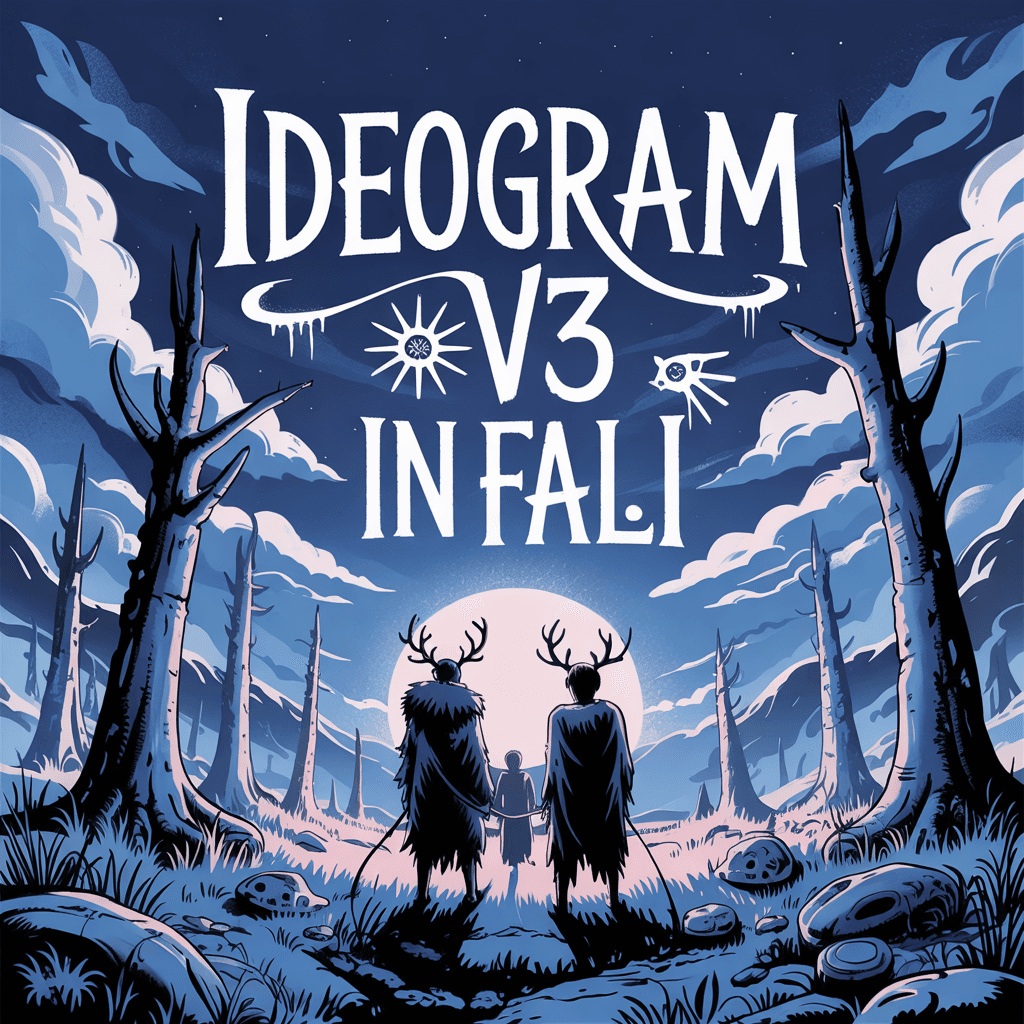
Ideogram
Posters and logos with text in them
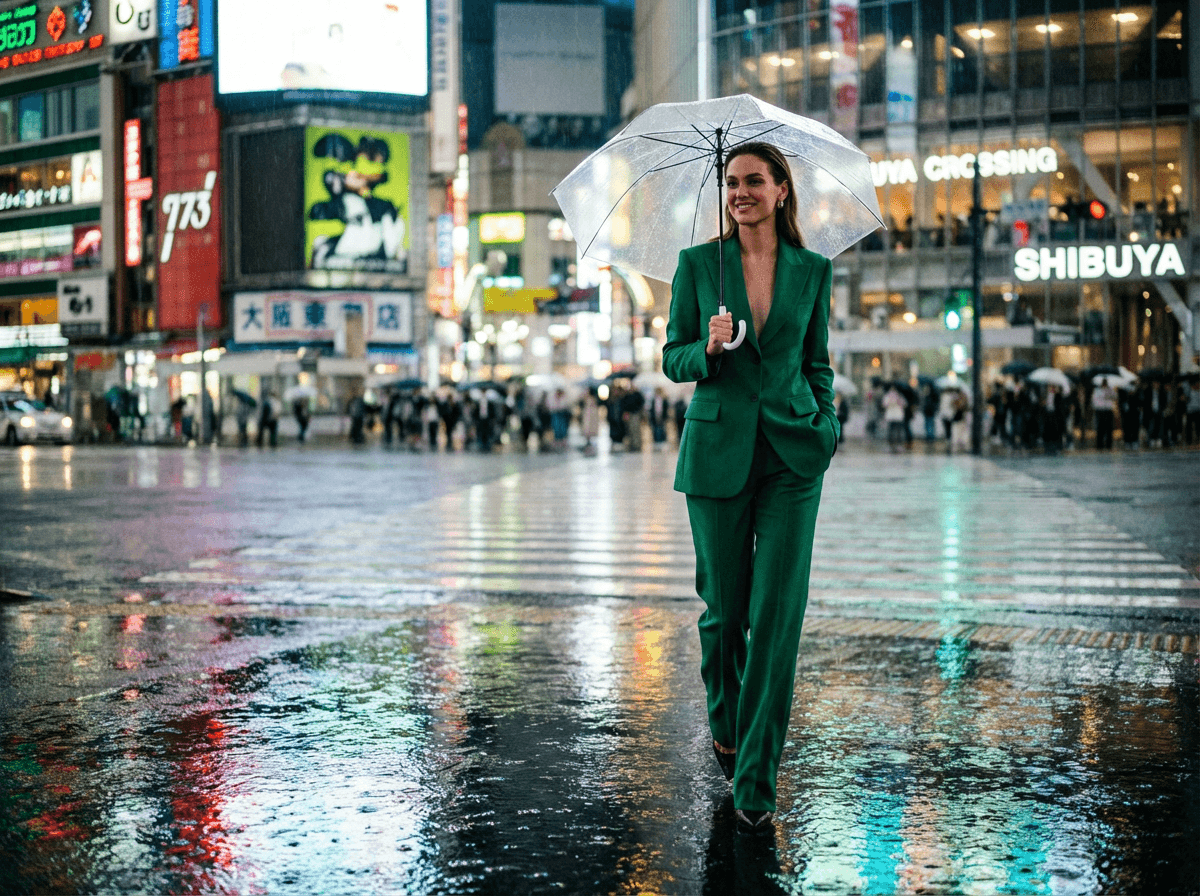
2K images for the final
01
Choose by what you're making: a quick test, a 15-second take, a clip with sound, or a 2K still.
02
Describe the subject, the setting, the camera move, and the mood. The credit cost shows before you hit Generate.
03
Watch it render in your queue, then download the MP4 and post it while the trend is still moving.
Try the idea on Wan 2.2 or Hailuo 2.3, then remake the keeper on Kling, Seedance, or Veo 3.1 once it works.
Every render shows its price before you hit Generate. If one fails, the credits come back on their own, with a note saying why.
No separate subscription, dashboard, or invoice for each model. One balance covers all of them.
A model costs the same credits on every plan. Pay yearly and save about 20%.
100 credits, one time
1,500 credits / month
$1.00 per 100 credits
4,500 credits / month
About $0.78 per 100 credits
15,000 credits / month
About $0.63 per 100 credits
Credits, refunds, and choosing a model, in plain words.
Credits are how renders are paid for, on every model. A render's cost depends on the model and how long the clip is, or how many images you make, and the Generate button shows it before you start.
You get the credits back automatically. If a model can't start or can't finish your video or images, the full charge is refunded once, with no ticket needed, and the job tells you what happened.
Pick by what you're making: Wan 2.2 or Hailuo 2.3 to try an idea, Kling 3.0 for takes up to 15 seconds, Seedance or Veo 3.1 for clips with sound, and Nano Banana Pro or Seedream 5.0 for 2K stills. Every plan can use all of them.
You own your outputs; you're responsible for having the rights to what you generate.
Credits spent on a failed render come back to you automatically. A subscription can be cancelled anytime from your account page.
Yes, from your account page, whenever you like. The free plan needs no card, so there's nothing to cancel there.